Physics simulation in Hammer
This guide will teach you how to simulate physics with your Hammer meshes/models.
info
For the physics engine inside Hammer to simulate, the object needs to have convex collisions. If not, the simulation will not run.
Physics Simulation with Models
- Add a model to the world (can be any type of prop entity, e.g., prop_static, prop_dynamic, prop_physics).
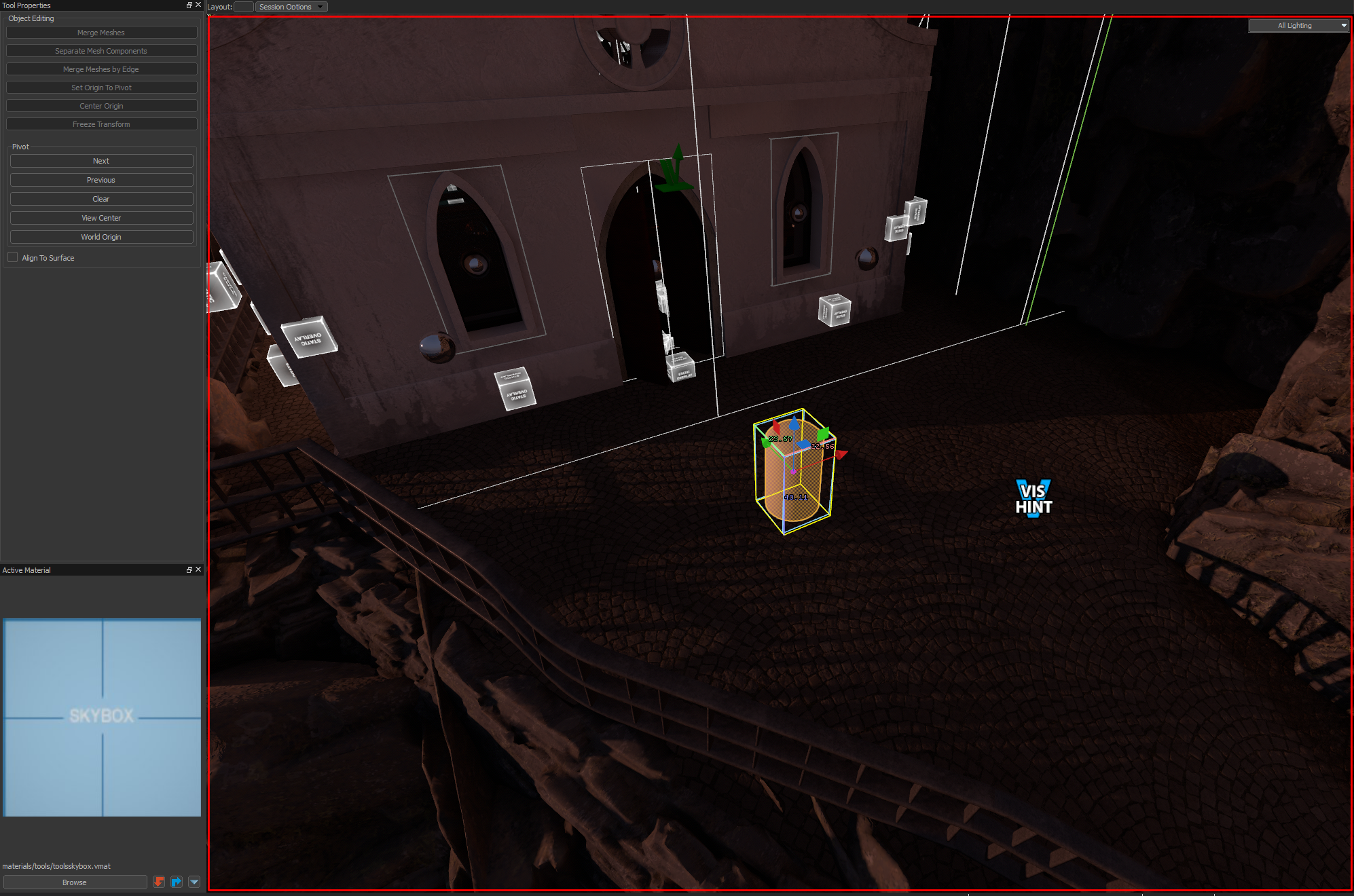
- Open the simulation tool or press Shift + C in case there is no Hammer icon (this happens in SteamVR).
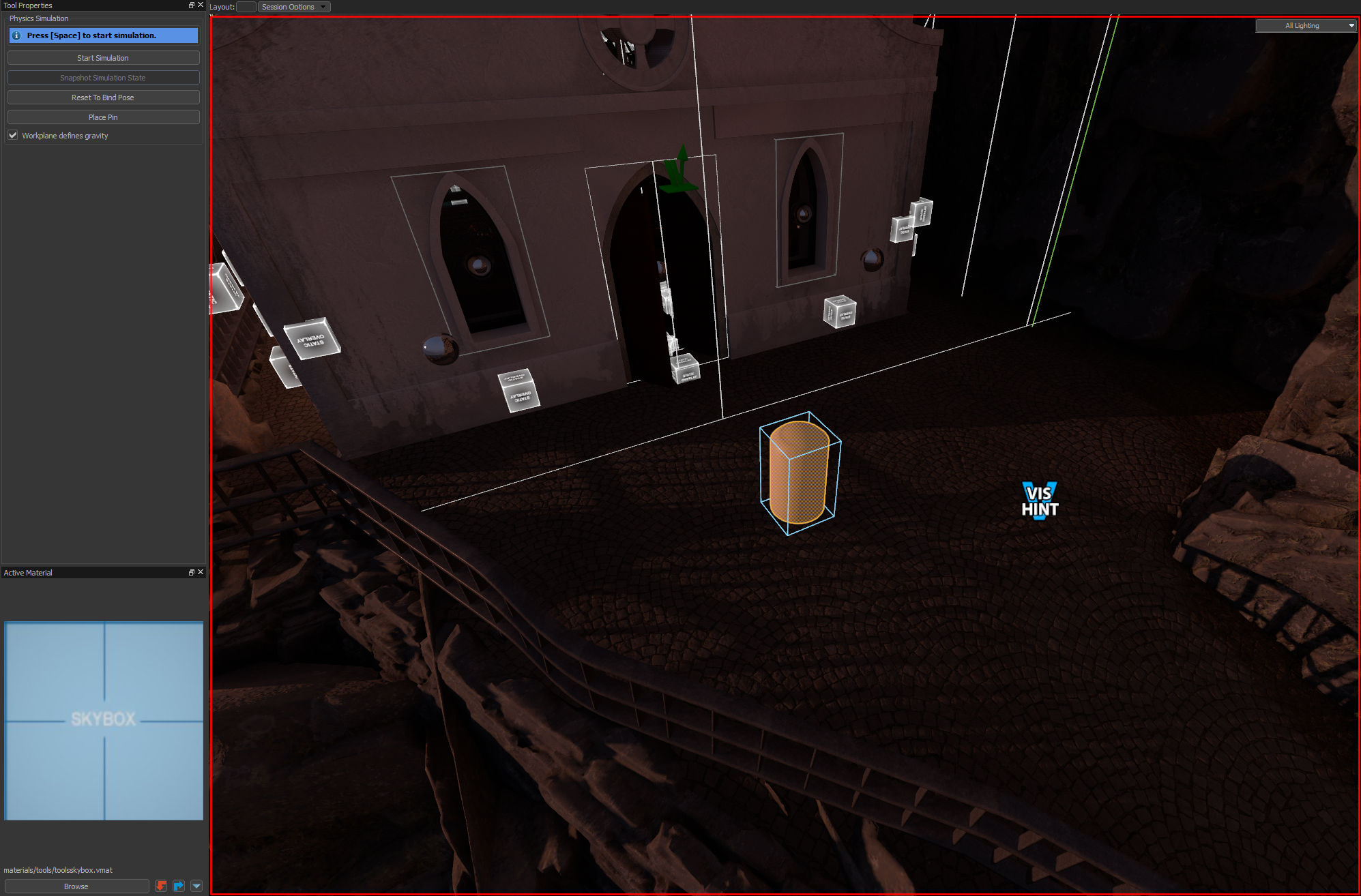
- Press Space to run the simulation.
- Press Space to start or stop the simulation.
Fix Some Props That Cannot Run in the Physics Simulation
Many times when running the physics simulation, a message appears saying:

This can be fixed if the collision mesh is set to convex collision.
Games with ModelDoc Editor
TODO
The ModelDoc workflow for physics meshes is not written up yet.
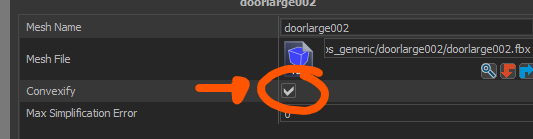
Games with Model Editor (only  Steam VR)
In the Physic Meshes node, enable the convexify option.

Physics Simulation with Meshes
- Create a new mesh in your world.
warning
Mesh entities are not supported for physics simulation.
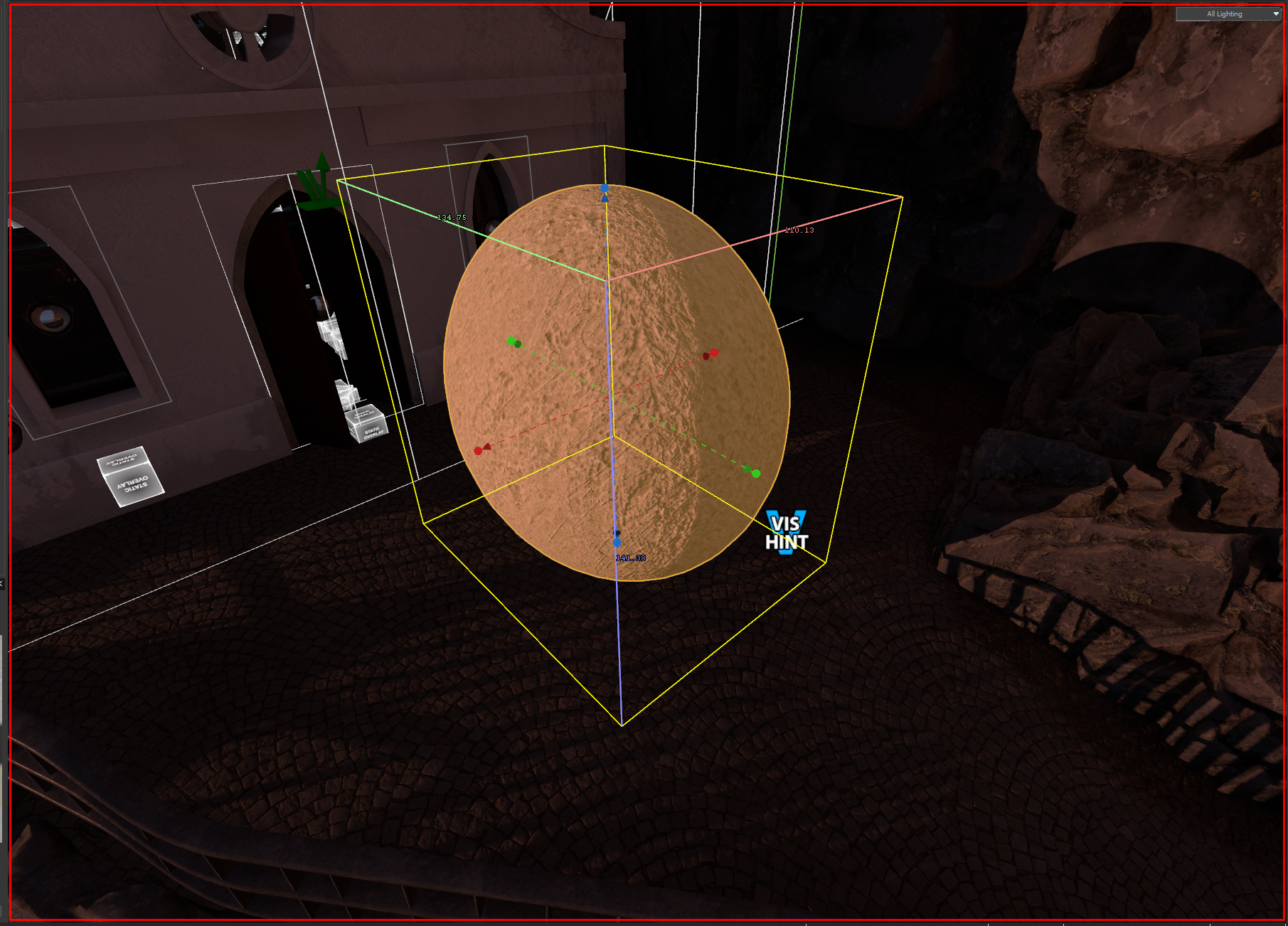
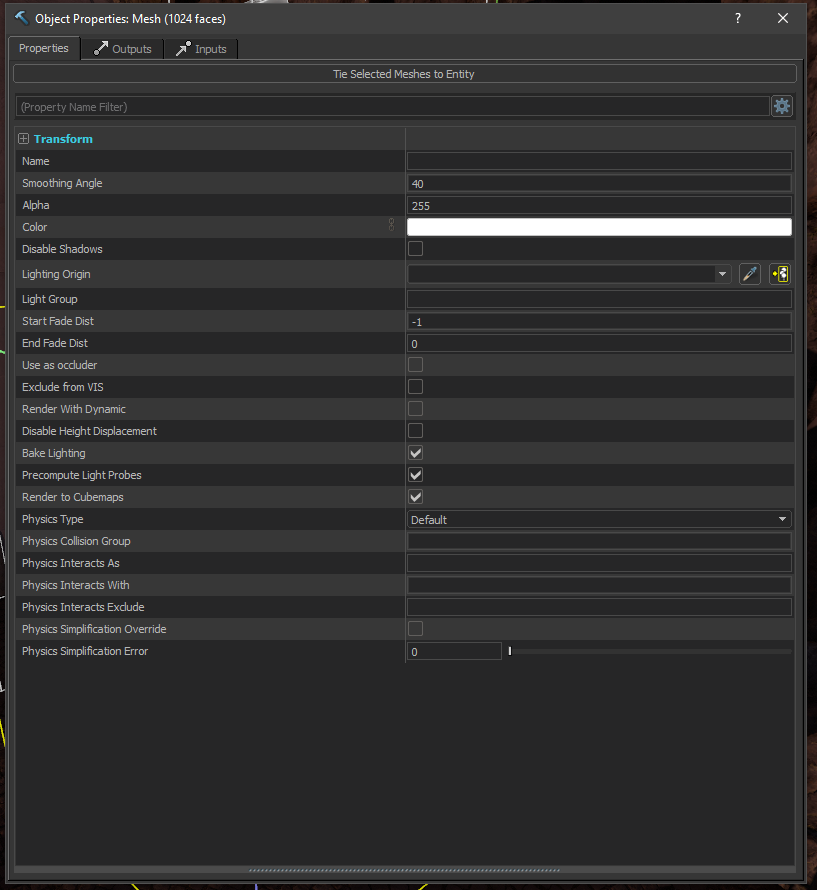
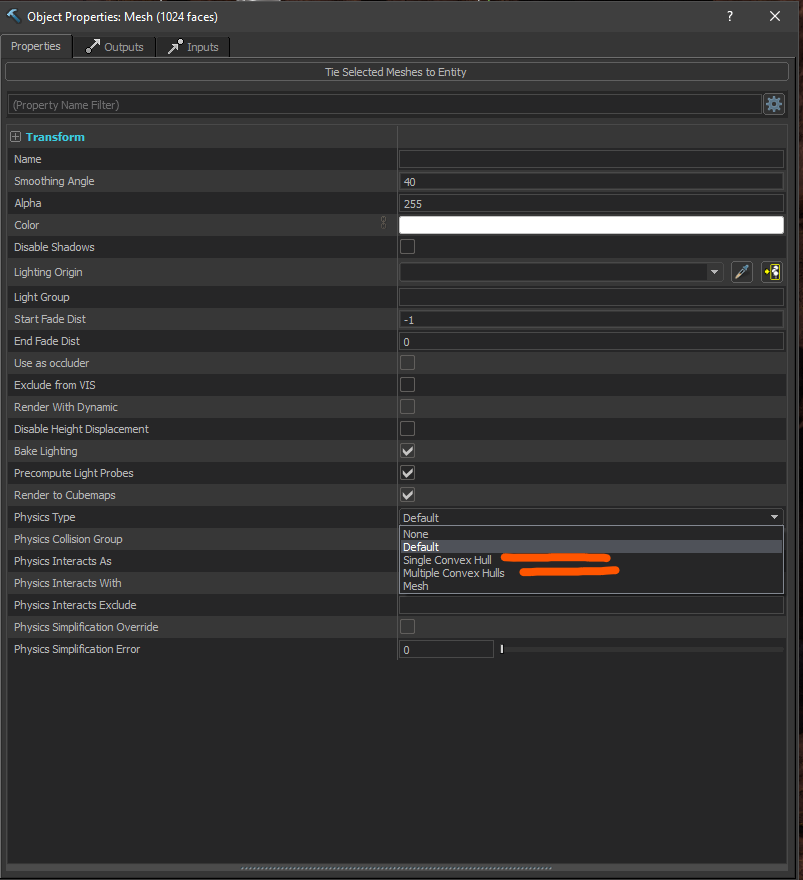
- Open the property panel of the mesh (Alt+Enter) and set the collision to single convex hull or multiple convex hulls.
- Press Space to run the simulation.
- Press Space to start or stop the simulation.